How to Recover Data from a Hard Drive
 March 29, 2022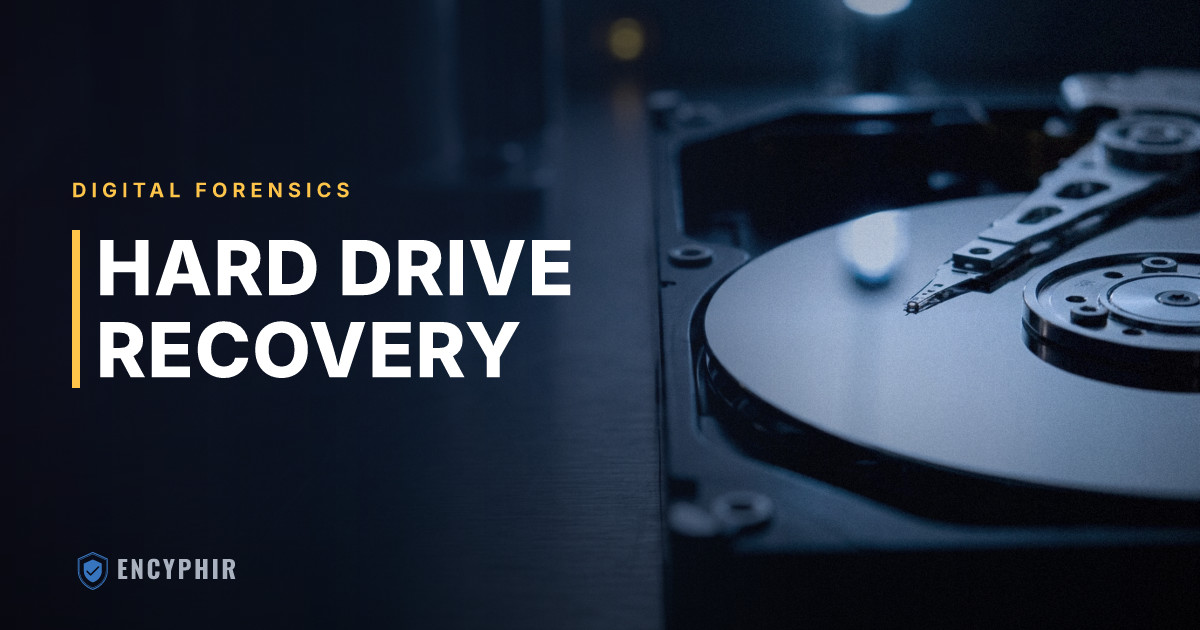
Hard drive data recovery is a common technical request in both consumer and forensic settings. The right approach depends on the goal. Recovering personal data from a failed drive is different from examining a drive for legal or investigative purposes. Understanding the distinction matters when choosing how to proceed.
Why Hard Drives Fail
Hard drives fail for different reasons, each with its own implications for recovery:
Logical failure. The drive works physically, but the file system or partition structure is corrupted. Data is intact but inaccessible through normal means. This is the most recoverable category.
Mechanical failure. Traditional spinning hard disk drives (HDDs) have moving parts that can fail. The read/write head can crash, the motor can seize, or the platters can be damaged. Mechanical failure usually requires cleanroom data recovery.
Electronic failure. The drive's circuit board fails while the storage components stay intact. Replacing or repairing the circuit board can sometimes restore function.
Firmware failure. The drive's internal firmware becomes corrupted. Specialized tools can repair the firmware and restore normal function.
Solid-state drive (SSD) failure. SSDs fail differently from HDDs. The usual causes are controller failure or NAND flash cell degradation. Recovery from failed SSDs can be more complex and less complete than HDD recovery.
Forensic vs. Standard Data Recovery
In forensic contexts, the difference between standard data recovery and forensic recovery matters.
Standard data recovery focuses on making files accessible again. The goal is to get your data back in a usable form. Forensic recovery has additional requirements:
- The original evidence must not be modified.
- A bit-for-bit copy of the drive must be made using write-blocking hardware.
- Every step of the process must be documented.
Using a standard data recovery service for evidence that may be used in court can compromise its admissibility. If a hard drive is relevant to litigation, a forensic professional should examine it.
The Forensic Imaging Process
Forensic examination of a hard drive starts with imaging. The examiner connects the drive through a write blocker, which prevents any writes to the original evidence. The examiner then creates a forensic image using tools such as FTK Imager, Guymager, or dc3dd.
The resulting image is verified using cryptographic hash functions. The hash value of the image is compared to the hash value of the original drive. A match confirms that the image is an exact, bit-for-bit copy.
All later analysis is performed on the image, not the original drive. The original stays unchanged and can be used to verify the image's integrity at any point.
Recovering Deleted Files
When a file is deleted, the file system marks the storage space as available. It does not immediately overwrite the data. The file's content may stay intact in unallocated space until new data is written to that area.
Forensic tools can scan unallocated space and try to recover files based on their binary signatures. This process is called file carving. It can recover files even when no file system metadata remains to identify them.
The chance of recovery drops as a drive is used after deletion. Each new file written to the drive has a chance of overwriting previously deleted content.
Encrypted Drives
Full-disk encryption, such as BitLocker on Windows or FileVault on macOS, makes forensic examination much harder. If a drive is encrypted and the examiner does not have the decryption key, analyzing the contents is not practical with current technology.
In legal proceedings, decryption keys can sometimes be compelled through legal process or found through other investigative means. If the target drive is encrypted, this should be disclosed to the forensic examiner at the outset.
What to Do With a Failed Drive
If a hard drive has failed and recovery matters:
- Do not run further recovery software on the drive. This can write data and overwrite deleted content.
- Do not open the drive outside a cleanroom if mechanical failure is possible.
- Secure the drive and consult with a forensic professional or data recovery specialist before taking further action.
Chain of Custody and Evidence Handling
The value of recovered data in a legal proceeding depends on more than what was recovered. It also depends on how the drive was handled from the moment it left its original user. Chain of custody documentation tracks every person who has held the drive, when they received it, what they did with it, and when they transferred it. Gaps in this record can become grounds for challenging admissibility at trial.
When a drive arrives at our lab, we photograph it, record serial numbers, apply tamper-evident seals, and complete an intake form before any technical work begins. The drive is stored in a secured evidence locker when not being examined, and every access event is logged. Opposing counsel in civil litigation often probes these procedures during deposition. Sloppy handling can undermine even technically sound findings. Our digital forensics team maintains documentation practices designed to withstand scrutiny from judges, arbitrators, and opposing experts.
Clients who receive a drive from a departed employee, a terminated executive, or a subject of internal investigation should resist the urge to power it on or browse the contents. Every boot cycle writes data, updates timestamps, and may overwrite recoverable artifacts. The drive should be sealed in an anti-static bag, labeled with the date and custodian, and transferred directly to a qualified examiner.
Common Business Scenarios That Require Forensic Recovery
Business situations that lead to hard drive examination tend to follow recurring patterns:
- A departing sales executive is suspected of emailing client lists to a personal account or copying files to an external drive before resignation.
- A finance manager at a mid-sized company is terminated after an audit anomaly, and leadership needs to know whether records were deleted from the workstation.
- A small business owner finds that bookkeeping files appear altered and suspects an insider has been manipulating entries over time.
In each case, the value of forensic examination goes beyond recovering deleted files. USB device history, browser artifacts, cloud sync logs, LNK files, and registry entries can rebuild a timeline of user activity even when the underlying documents have been wiped. When these findings intersect with financial records, our certified fraud examiners work alongside the forensic technicians to produce a unified analysis. That analysis quantifies losses and identifies the mechanism of the misconduct.
Executive-level matters carry added sensitivity. Boards and general counsel investigating allegations against senior personnel often need discreet examination of company-issued devices before any employment decision is made. Our executive misconduct investigation practice is built around these requirements.
Preservation Obligations and Spoliation Risk
Once litigation is reasonably anticipated, parties have a duty to preserve relevant electronically stored information. Allowing a relevant hard drive to be reformatted, reissued to another employee, or recycled through normal IT refresh cycles can expose a company to spoliation sanctions under the Federal Rules of Civil Procedure. Courts have imposed adverse inference instructions, monetary sanctions, and in some cases default judgments against parties that failed to preserve digital evidence.
A defensible preservation strategy usually involves several steps. First, identify custodians whose devices are likely to contain relevant data. Second, image those devices at an early stage. Third, store the images in a secure repository, while the original devices can sometimes be returned to service. The imaging step creates a frozen snapshot that protects against later claims that evidence was altered or destroyed. Counsel representing corporate clients in anticipation of commercial disputes, employment claims, or regulatory inquiries often engage forensic examiners at the first sign of a dispute, well before a complaint is filed.
Cloud Storage, Mobile Devices, and the Limits of Drive Recovery
The hard drive is no longer the only place where relevant data lives. Examiners increasingly have to look beyond the physical disk. Files that appear to be stored locally are often cached copies of documents living in OneDrive, Google Drive, Dropbox, or corporate SharePoint environments. A user who deletes a file from a laptop may leave the original in cloud storage, along with a full version history showing every edit. A user who deletes from the cloud may leave local cached copies that forensic examination can recover.
Mobile devices add another layer. Text messages, encrypted messaging apps, photographs with embedded location metadata, and application-specific data often need to be collected alongside the computer. A full picture of a subject's conduct often requires parallel examinations of multiple devices and cloud accounts. These exams are coordinated so that findings from one source can be validated against another.
For businesses, this argues for clear policies on device ownership, cloud account provisioning, and offboarding procedures. Our security consulting engagements help organizations put defensible practices in place before an incident occurs. That way, when a matter arises, the relevant data is accessible through legitimate channels rather than scattered across personal accounts.
When to Engage a Professional
Attempting recovery on a drive that may later matter legally is a common and costly mistake. Consumer recovery software, even when it seems to work, writes temporary files, updates access timestamps, and alters the metadata a forensic examiner relies on to build a timeline. By the time professionals are called in, the most probative artifacts may already be gone.
The right time to call a qualified examiner is before the drive is touched. If a hard drive contains data that might matter to a dispute, an investigation, a termination, or a regulatory inquiry, treat it as evidence from the outset. Law firms routinely engage us at the preservation stage. That way, imaging, analysis, and reporting can proceed on a defensible foundation. Individuals, corporate clients, and schools facing sensitive matters can contact us to discuss the specifics of their situation and determine the right next step.
Our digital forensics team performs hard drive forensics and data recovery for legal matters, corporate investigations, and individuals. Law firms use our imaging and chain-of-custody work in discovery and litigation. Our certified fraud examiners integrate recovered records into embezzlement, wire fraud, and trade-secret investigations. Contact us to discuss your situation.